
Link building is important in 2026.
Profile link creation is the easiest way to build high-authority links with real user profiles and useful content (like original blogs, helpful tips, or guides).
In this post, you can find the best free profile-creation sites I am using for my website’s SEO campaign.
These profile submission websites help you build authority, provide quality links, and improve brand visibility.
What Are Profile Creation Sites?
Profile creation sites are online platforms where you can create personal or business profiles that include key details, website links, social media links, and descriptions.
These profiles are primarily used for off-page SEO to boost online visibility, build credibility, and generate valuable backlinks that improve search engine rankings and drive traffic.
They act as digital business cards, helping strengthen your brand’s presence across the web.
Free Tip: Focus on providing unique value with your profile page so others see your profile as the best resource, making it effortless for search engines to ignore.
24 Best FREE Profile Creation Sites For 2026
Here’s a list of top profile submission websites that I am using to build profile links for my site Suresh.tech.
1. Medium
Medium is a great content platform for sharing your knowledge and wisdom with the world.
On Medium.com, anyone can share insightful perspectives, useful knowledge, and life wisdom. Widely trusted by search engines.
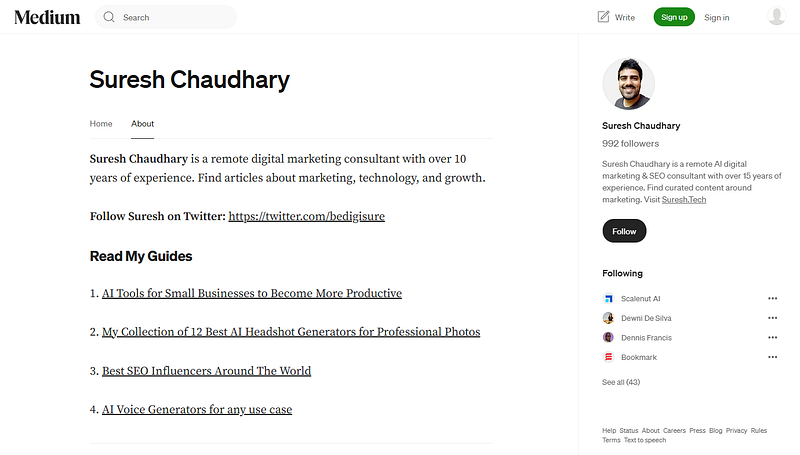
My Medium Profile Link: https://medium.com/@bedigisure/
How to Make the Profile:
- Sign up with Google, Facebook or email.
- Add a profile photo, short bio, and website link.
- Start publishing articles with backlinks.
2. Digg
Digg is a social news aggregator that was relaunched in January 2026.
Users can discover and share internet content by ‘digging’ (upvoting) interesting links, media and discussions.
It functions similarly to Reddit, with topic-based communities and modern features such as AI integration for verification and discovery.
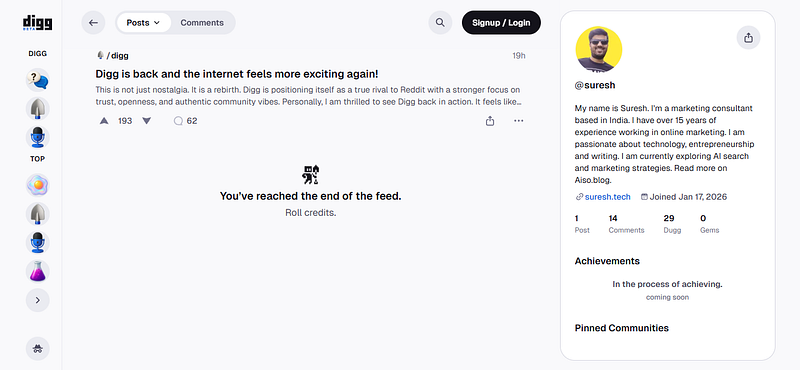
My Digg Profile Link: https://digg.com/@suresh
How to Make the Profile:
- Create an account with Google, Apple or Email
- Pick a username
- Edit your profile tab to add your bio details and website link.
3. About.me
About me is a personal branding platform to showcase your bio, links, and portfolio.
With About.me, You can create your free, one-page profile in just a few minutes. Get ideas from my profile page.
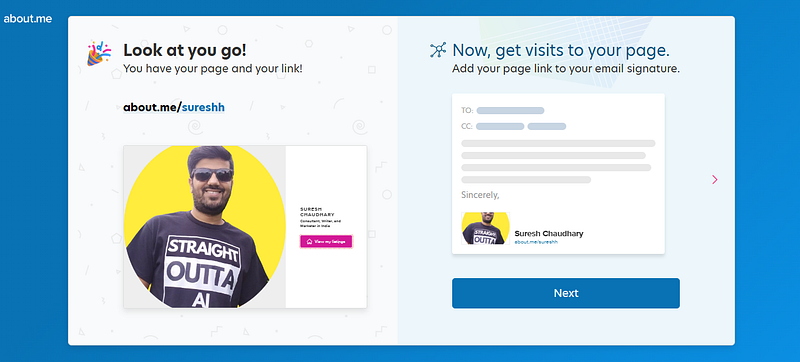
My About.me Profile Link: https://about.me/sureshh
How to Make the Profile:
- Sign up with a Facebook or Google account.
- Add a professional photo, headline, your skills, and expertise.
- Insert your website and social media links.
4. Substack
Substack is a popular online platform for writers, journalists, podcasters, and creators to publish content (newsletters, articles, audio, video) and build direct relationships with their audience, primarily through a subscription model.
It functions as a blog, newsletter, and payment system, allowing creators to own their content, audience data, and set up paid subscriptions, with Substack taking a cut of earnings.
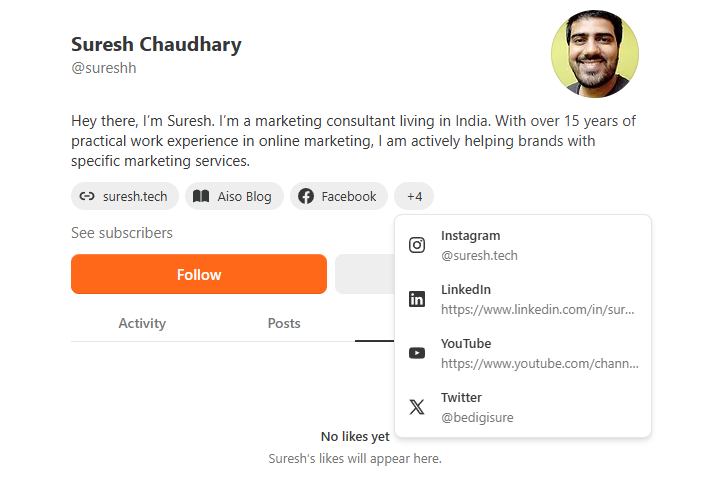
My Substack Profile Link: https://substack.com/@sureshh
How to Make the Profile:
- Choose 3 interests and subscribe your favourite creators.
- Create an account with your email address.
- Edit your profile tab to add your bio details, social media links, and website link.
5. Ted
Ted is a popular platform. You might have heard of #TedTalks.
TED Talks are influential videos from expert speakers on education, business, science, tech and creativity, with subtitles in 100+ languages.
You can create your profile for free and add your website link.
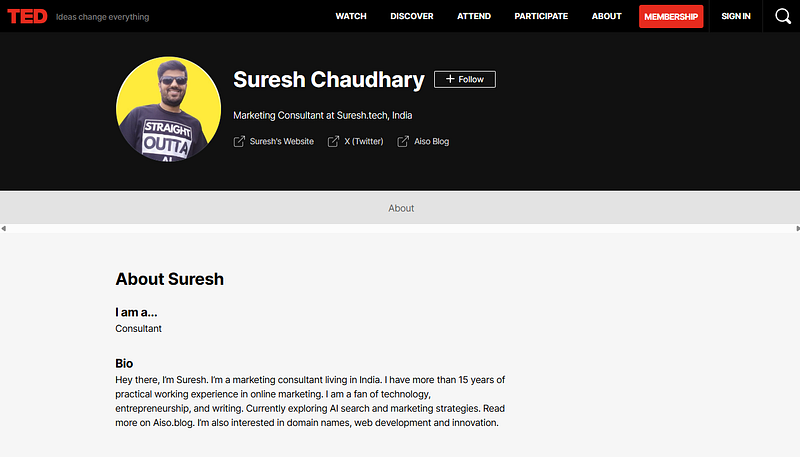
My Ted Profile Link: https://www.ted.com/profiles/suresh
How to Make the Profile:
- Click Sign in, then enter your email, or continue with Apple, Google, or Facebook.
- Edit your profile tab to add your bio details, social media links, and website link.
6. Github
A developer platform for tech professionals, excellent for credibility and SEO marketing.
Join the world’s most widely adopted, AI-powered developer platform where millions of developers, businesses, and the largest open source community build software that advances humanity.
My GitHub Profile Link: https://github.com/bedigisure
How to Make the Profile:
- Create an account with Google, Apple or email.
- Add your bio details, social media links, and website link in the settings tab.
- Upload your image and test the platform regularly for visibility.
7. Buy Me A Coffee
Buy Me a Coffee is the best way for creators and artists to accept support and membership from their fans.
With the profile page, you can list your websites and social media on this platform. You can also show your best work links if you’re creator like me.
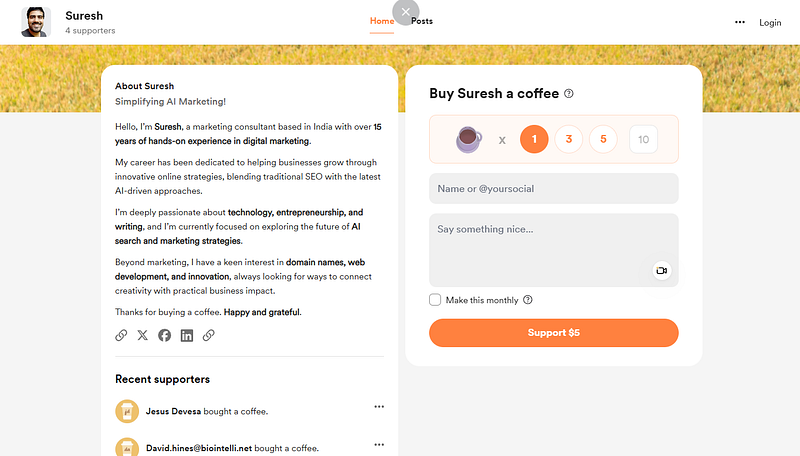
My Buy Me A Coffee Link: https://buymeacoffee.com/sureshh
(If you’re enjoying my work, you can use this link to buy me a coffee.)
How to Make the Profile:
- Choose a username for your profile page.
- Create an account with Google, Apple, Facebook, X (Twitter) or email.
- Upload your image, add your bio details, social media links, and website links.
8. Dev Community
The Dev Community is an online space where you can discuss and stay up-to-date with software development, as well as manage your software career, all in one place.
With the profile settings, you can list your website and connect social media channels. You can also mention your skills, work experience and more.
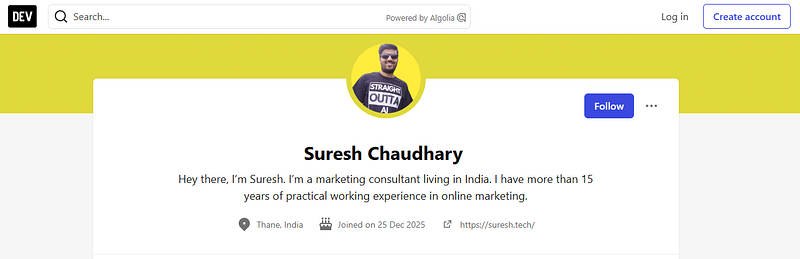
My Dev Community Profile Link: https://dev.to/sureshh
How to Make the Profile:
- Create an account with GitHub, Forem, Google, Apple, Facebook, X (Twitter) or email.
- Upload your image, add your bio details, connect social media links, and website link.
9. Behance
Behance is the world’s largest creative network to showcase work, find inspiration and get hired.
You can create your free profile with Behance and add your website link and social media profiles.
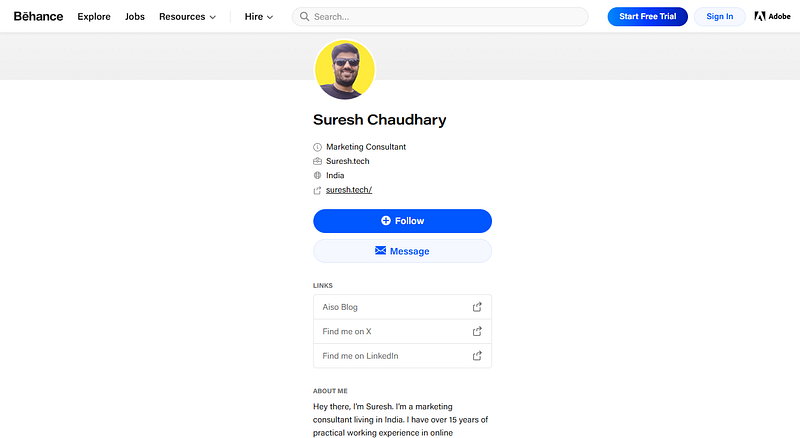
My Behance Profile Link: https://www.behance.net/suresh
How to Make the Profile:
- Create a free account with Adobe as Behance is a part of Adobe.
- Visit Behance.net and edit your profile to add details, and links.
- Upload your image and customize the profile as per your need.
10. X (FKA Twitter)
X (formerly known as Twitter) is a popular microblogging platform for real-time updates, trending topics, and brand engagement.
With X, you can include your link in the author bio, and there is also a separate option to add your link elsewhere.
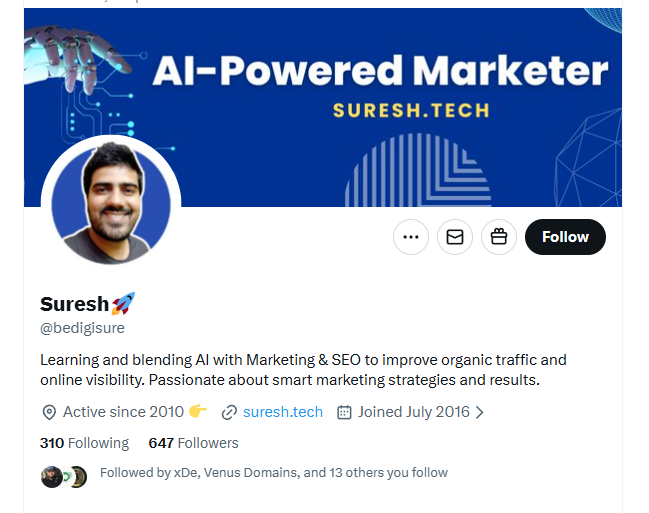
My X Profile Link: https://x.com/bedigisure
How to Make the Profile:
- Sign up with email, Google, Apple or phone.
- Add a profile picture, bio, and website link.
- Start posting updates with relevant hashtags for more visibility.
11. Gravatar
Gravatar is your free avatar, profile, and link-In Bio platform. You can create a global avatar and profile image.
Join and get a free one-page personal site to showcase your identity, bio, links and connect across the web.
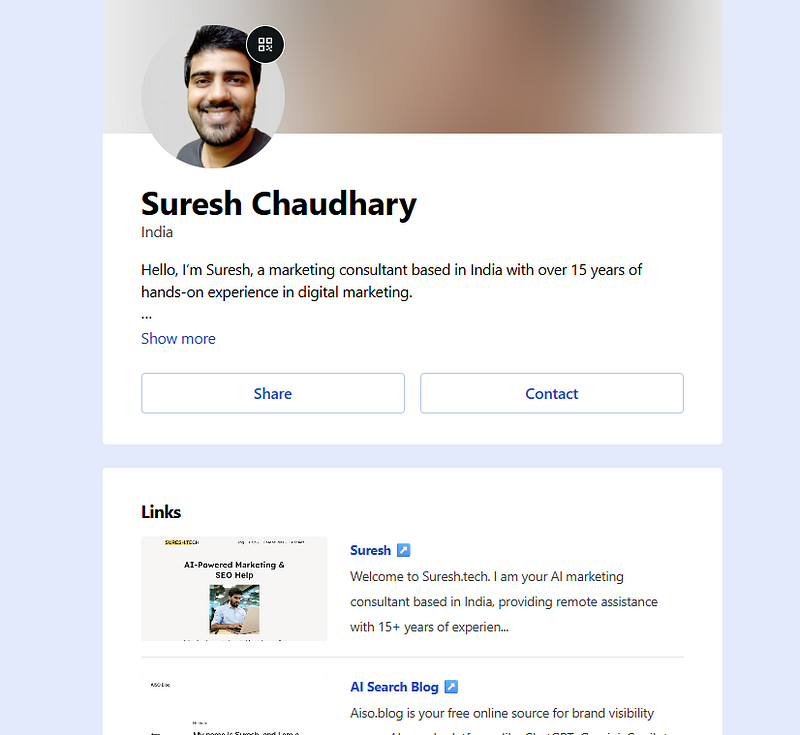
My Gravatar Profile Link: https://gravatar.com/suresh
How to Make the Profile:
- Sign up with email, Google, Apple or phone.
- Add a profile picture, bio, and website link.
12. Academia
A business directory for startups and professionals, excellent for credibility and SEO.
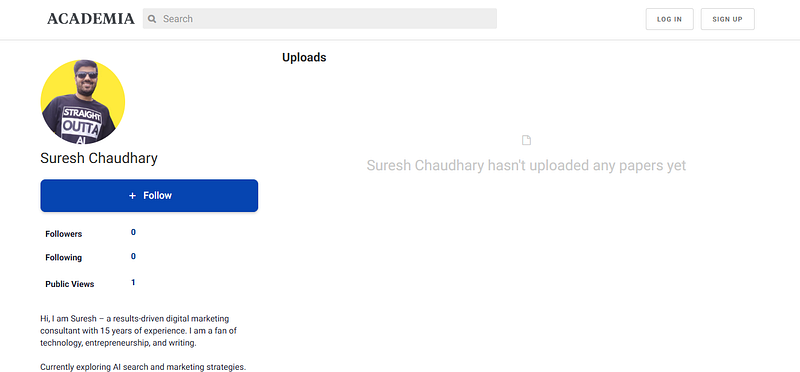
Profile Link: https://independent.academia.edu/Suresh
How to Make the Profile:
- Create an account with an email.
- Add company details, description, and website link.
- Upload the image and other relevant details.
13. Slideshare
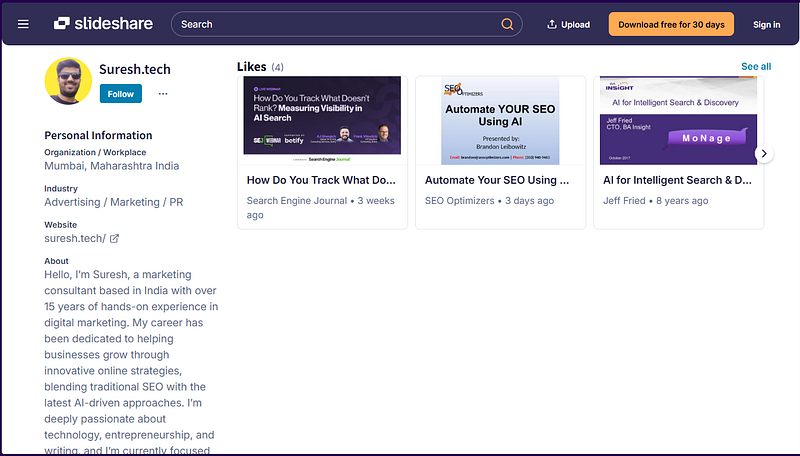
SlideShare is the world’s largest professional content-sharing community to share and discover presentations and infographics online.
With SlideShare, you can create your profile and share your credentials with the world. And also earn a high-quality backlink.
Profile Link: https://www.slideshare.net/sureshh/
How to Make the Profile:
- Create an account with an email, Apple, Google or Facebook.
- Edit profile to add your details, image, description, social media links and website link.
14. Scribd
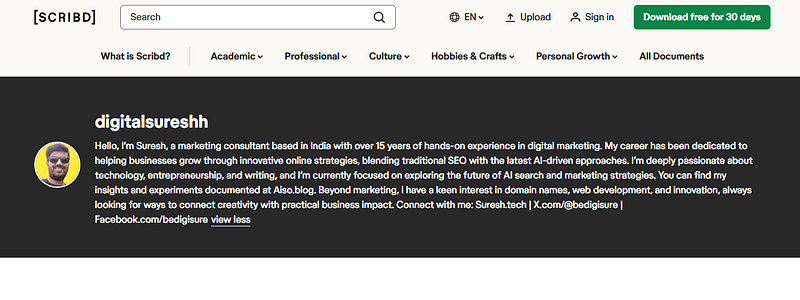
Scribd is the ultimate source for specialised knowledge documents on any topic, and answers you won’t find anywhere else.
With Scribd, you can build a text-based profile and social media links.
Profile Link: https://www.scribd.com/user/930474682/suresh.tech
How to Make the Profile:
- You can log in with Slideshare account details and update your profile there.
15. Issuu
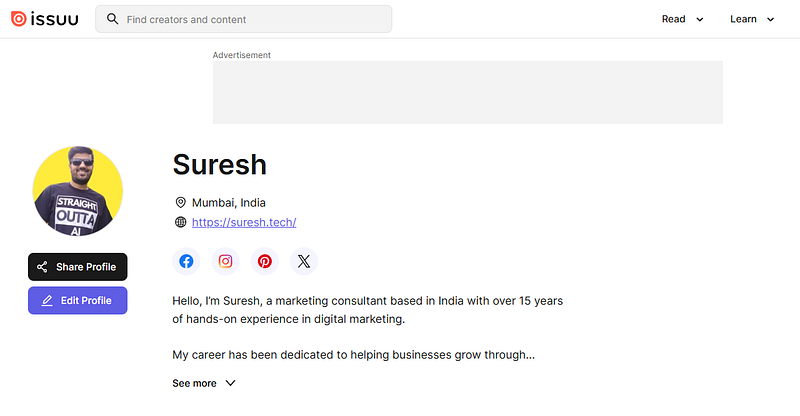
Issuu is a digital publishing platform that converts your PDFs and documents into an interactive digital flipbook and marketing assets.
With Issuu, you can create your personal profile, embed flipbooks onto your website and distribute online. Create your free profile with Issuu today.
Profile Link: https://issuu.com/sureshh
How to Make the Profile:
- Create an account with an email, Google or Facebook.
- Edit profile to add your details, image, description, social media links and website link.
16. Instagram
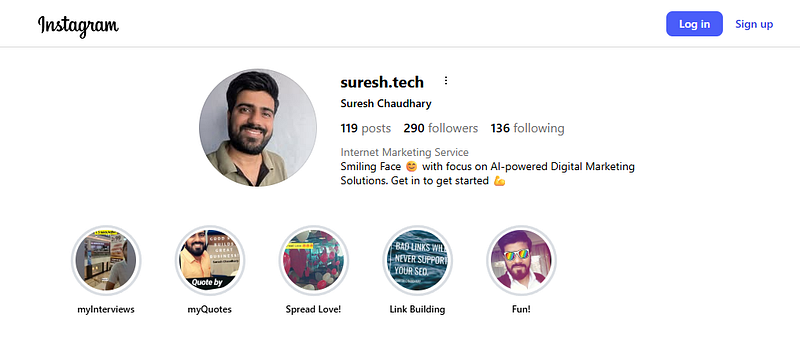
Instagram is a visual-first platform perfect for showcasing brand identity, products, and creative content.
Profile Link: https://www.instagram.com/suresh.tech/
How to Make the Profile:
- Register with email or Facebook login.
- Upload a profile photo and write a short bio.
- Add your website link in the bio section.
17. Pinterest
Pinterest is a discovery and bookmarking platform where users share content ideas, visuals, and links.

Profile Link: https://pinterest.com/bedigisure/
How to Make the Profile:
- Sign up with your email or Google account.
- Create a business profile for analytics access.
- Add your website link and start creating boards.
18. LinkedIn
LinkedIn is the world’s largest professional networking platform, ideal for building authority and connecting with industry peers.
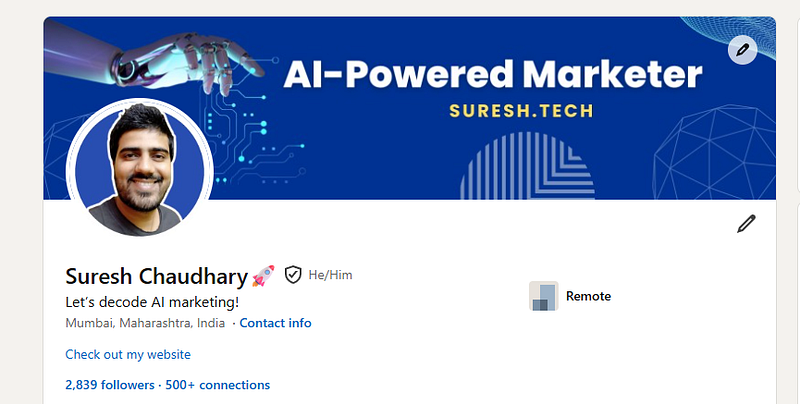
Profile Link: https://www.linkedin.com/in/sureshkchaudhary/
How to Make the Profile:
- Sign up with your email or Microsoft account.
- Add a professional photo, headline, and summary.
- Fill in work experience, skills, and website link.
19. Facebook
Facebook is an old and gold global social media platform with billions of users, great for brand visibility and community building.
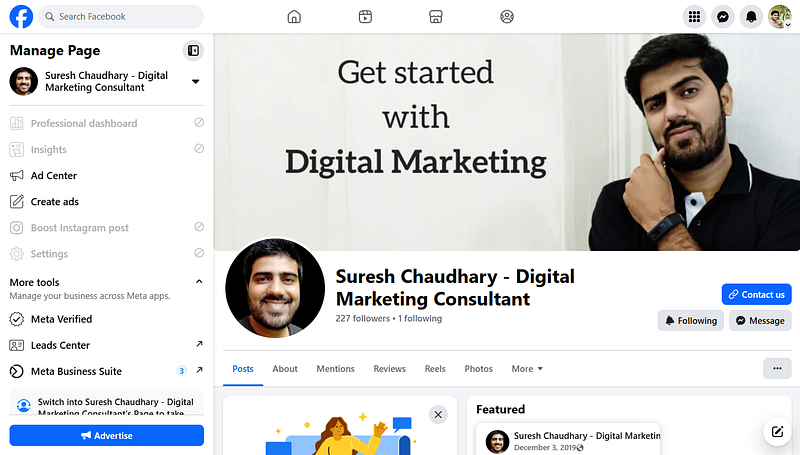
Fb Page Link: https://www.facebook.com/bedigisure
How to Make the Profile:
- Create a personal account or business page.
- Add profile/cover photos, description, and contact info.
- Insert your website link in the “About” section.
20. Daily Pings
DailyPings is a lightweight social platform designed for quick updates, micro-posts, and community sharing.
It focuses on simplicity and immediacy, letting users “ping” short thoughts, links, or media to their followers.
Think of it as a mix between blogging and micro-messaging, built for people who want to stay connected without the noise of larger platforms.
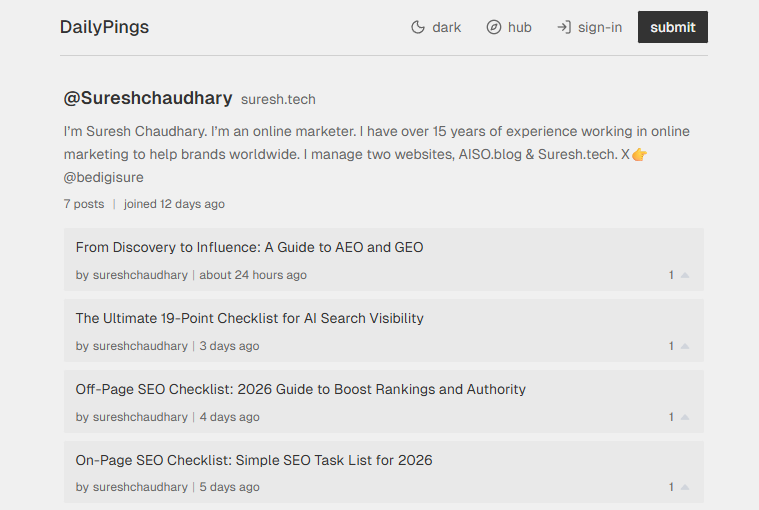
It functions as a daily journal and social feed where creators can share ideas, updates, and conversations in real time.
DailyPings emphasizes minimalism, speed, and authentic engagement.
My Profile Link: https://dailypings.com/user/sureshchaudhary
How to Make the Daily Pings Profile:
- Create your account with GitHub, Google, X or an email address.
- Edit your profile tab to add your bio details and add a website link.
- You can also submit stories and build backlinks
21. Direct.me
Direct.me is the ultimate platform for creators to showcase their content, monetize their influence, and build true ownership of their audience.
With this platform, you can build your free mobile one-page profile website in just a few minutes, perfect for your link in bio on Instagram, TikTok or wherever you are.
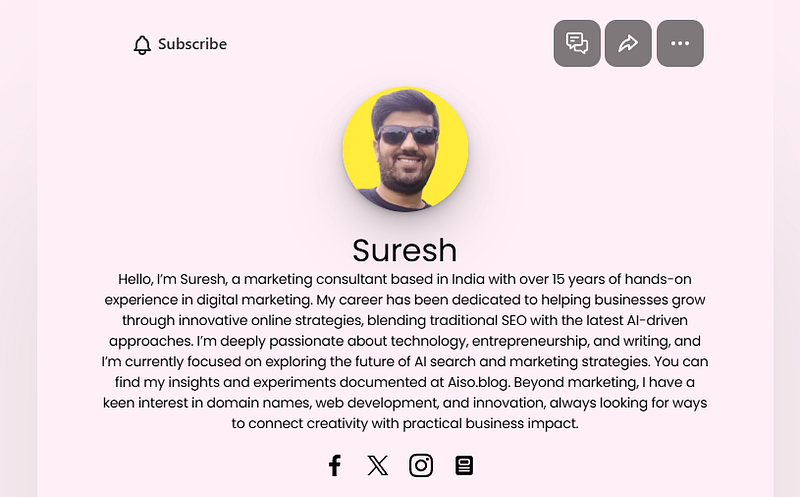
Direct Me Link: https://direct.me/sureshh
How to Make the Profile:
- Click on the “Create your page” CTA button.
- Create an account with email, Google or Apple.
- Customise the profile as per your needs and add details and links.
22. Linktree
Linktree is a link-in-bio tool for everything you or your business does, in one simple link.
70M+ creators are using this platform to share and curate everything they do online.
My Linktree Profile Link: https://linktr.ee/suresh.tech
How to Make the Profile:
- Enter your username and get started for free.
- Create an account with email, Google or Apple.
- Customise the profile as per your needs and add details and links.
23. Reddit
A community-driven platform with niche subreddits, ideal for authority building and traffic.

Platform Link: reddit.com
How to Make the Profile:
- Register with email or Google account.
- Customize your profile with bio and avatar.
- Add your website link in posts or profile description.
24. Quora
Quora is a Q&A platform where experts share insights, perfect for thought leadership and backlinks.
Platform Link: quora.com
How to Make the Profile:
- Sign up with Google or email.
- Write a detailed bio highlighting expertise.
- Add your website link in the profile description.
Profile creation is a great way to generate high-quality backlinks from a reputable platform.
My 5 Best Practices for Profile Creation in 2026
- Complete Your Profile: Fill out all the necessary details (bio, website, blog link, social links, image, company logo).
- Be Consistent: Use the same credentials (Name, Brand, Website, Social Links) across websites for brand recognition.
- Post Regularly: If you are using platforms like Medium, GitHub or Substack, make sure you’re active with the platform and post content regularly.
- Quality: Focus on high-quality DA (Domain Authority) sites that are indexed and loved by search engines rather than spamming hundreds.
- Track Performance: Use tools like Ahrefs or Semrush to monitor the performance of your profile links. Put more energy into building profiles that drive value for your business.
Improve Visibility with the Best Profile Creation Websites in 2026
Good quality sites continue to be one of the most reliable techniques for building domain authority, driving organic traffic, and improving your website’s search engine rankings.
Whether you are just starting with SEO or looking to scale your existing link-building strategy, using profile submission sites should remain an essential part of your ongoing SEO efforts.
My goal is to improve my website’s backlink profile.
Here’s a backlink profile for Suresh.tech website:
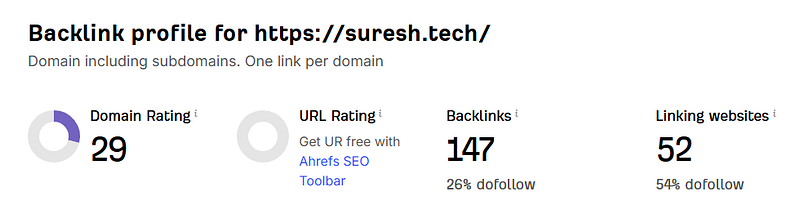
I want to improve these numbers, hence I’ve created this list. I have personally made my profiles on each platform listed here.
So we can track the results, and I can share the new screenshot with you all in the future. Till then, stay connected.
If you would like to add a high-quality website to this collection, please comment below or contact me.
Leave a Reply